Directory Listing
- On a web server, files are kept in folders, like
/images/,/uploads/or/backup/.
What happens when you visit a folder (for example https://example.com/images/):
- If there’s an index file (usually
index.html), the server shows that page. You only see what the developer built. - If there’s no index file, the server may show a list of every file in that folder. That list is called a directory listing.
It looks something like this:
Index of /backup/

  Parent Directory
  db_backup_2025.sql
  config.old
  passwords.txt
  site.zip
How to find directories with listing turned on:
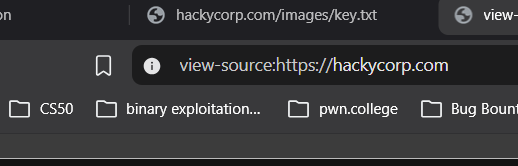
- Open a page and view its source (
Ctrl+U). - Look at where files are loaded from, for example:
<img src="/assets/images/logo.png">
<script src="/js/app.js"></script>
<link href="/static/css/style.css">
- Write down the folders:
/assets/,/assets/images/,/js/,/static/,/static/css/. - Visit each folder on its own and see whether you get a file list or an error.
How to fix it:
- Apache: Options
-Indexes, the “-” means turn this feature off. - nginx:
autoindex off;(it’s off by default) - IIS: turn off “Directory Browsing”
Objective
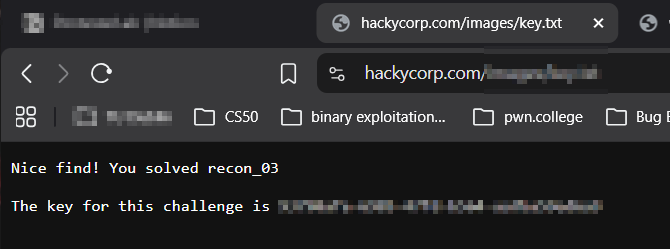
find a directory with directory listing in the main website for hackycorp.com.
- Go to the page source and follow the above steps.